EDSimple enough to start. Powerful enough to keep thinking.
How Canvio works
Canvio is an interactive online whiteboard for visual knowledge work: start with a board, add living elements, connect the meaning, and bring in maps only when place matters.
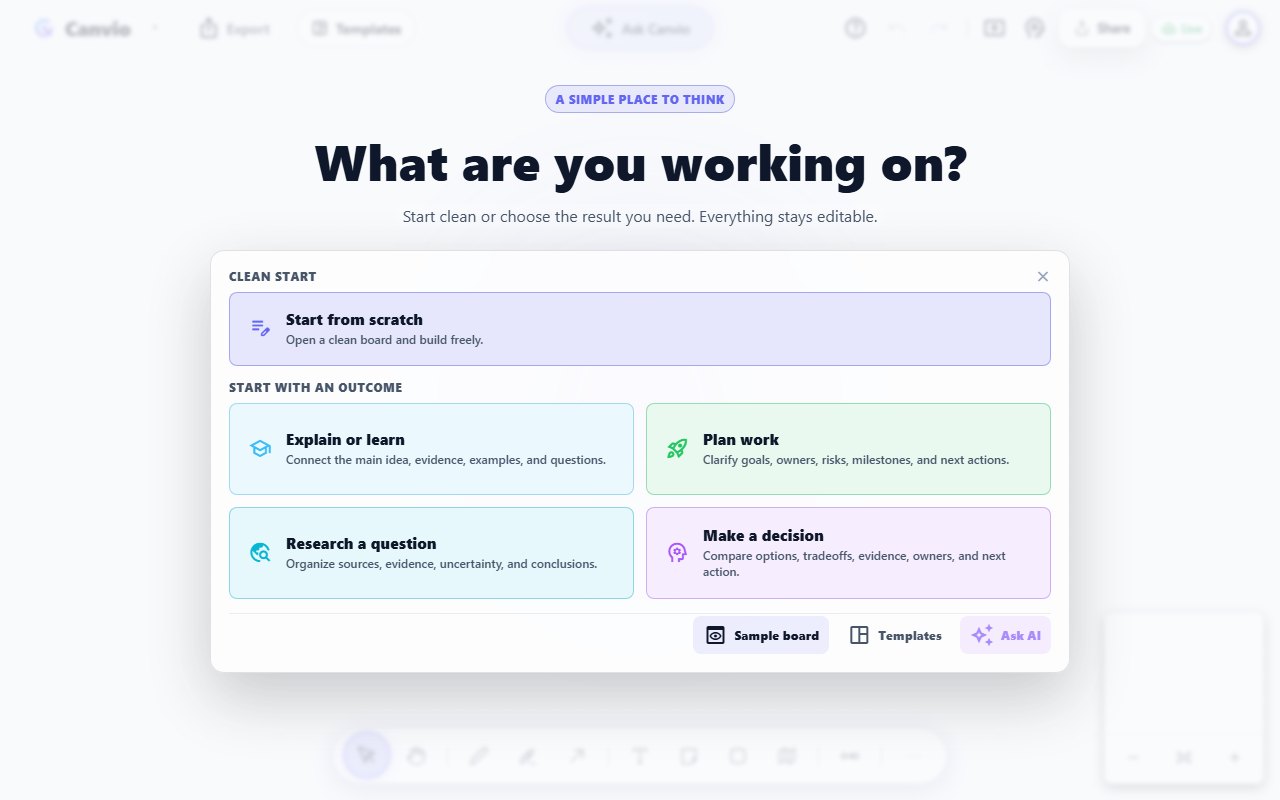
Open a blank canvas, choose a curated model, or ask Canvio AI for an editable starting structure. AI can mix useful object types, meaningful relations, and the language you requested instead of returning a flat answer.
Start blank, choose an outcome, or explore a sample. You can keep editing everything on the canvas.STEP 02
Build with Living Canvas Objects
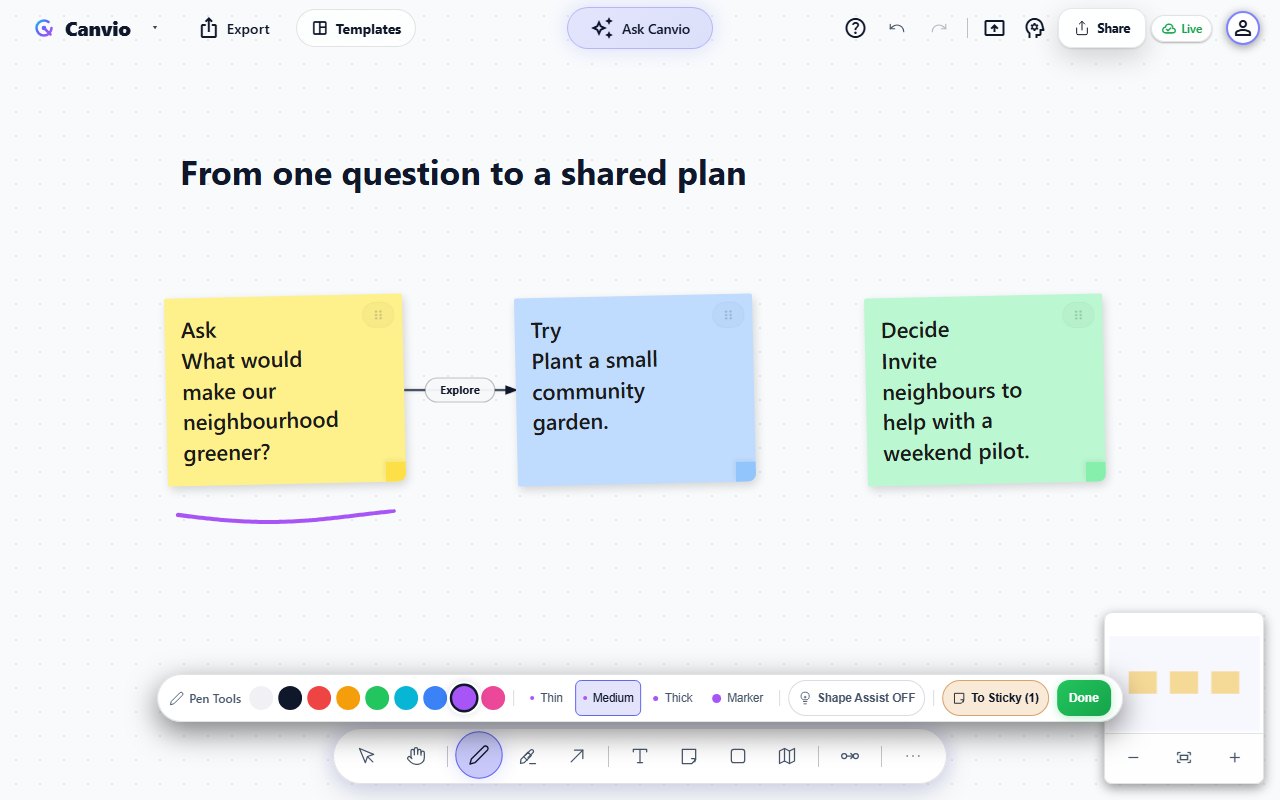
Every item remains editable. Write notes, draw with pressure-sensitive stylus ink, create geometric shapes, group sections with frames, add code blocks, and bring in interactive maps when location matters.
Watch a note take shape, drag a connection between two ideas, then sketch an underline with the pen.
Demo steps: write a next-step note, drag a connection between two ideas, then draw an underline with the pen.
STEP 03
Connect Ideas with Meaningful Relations
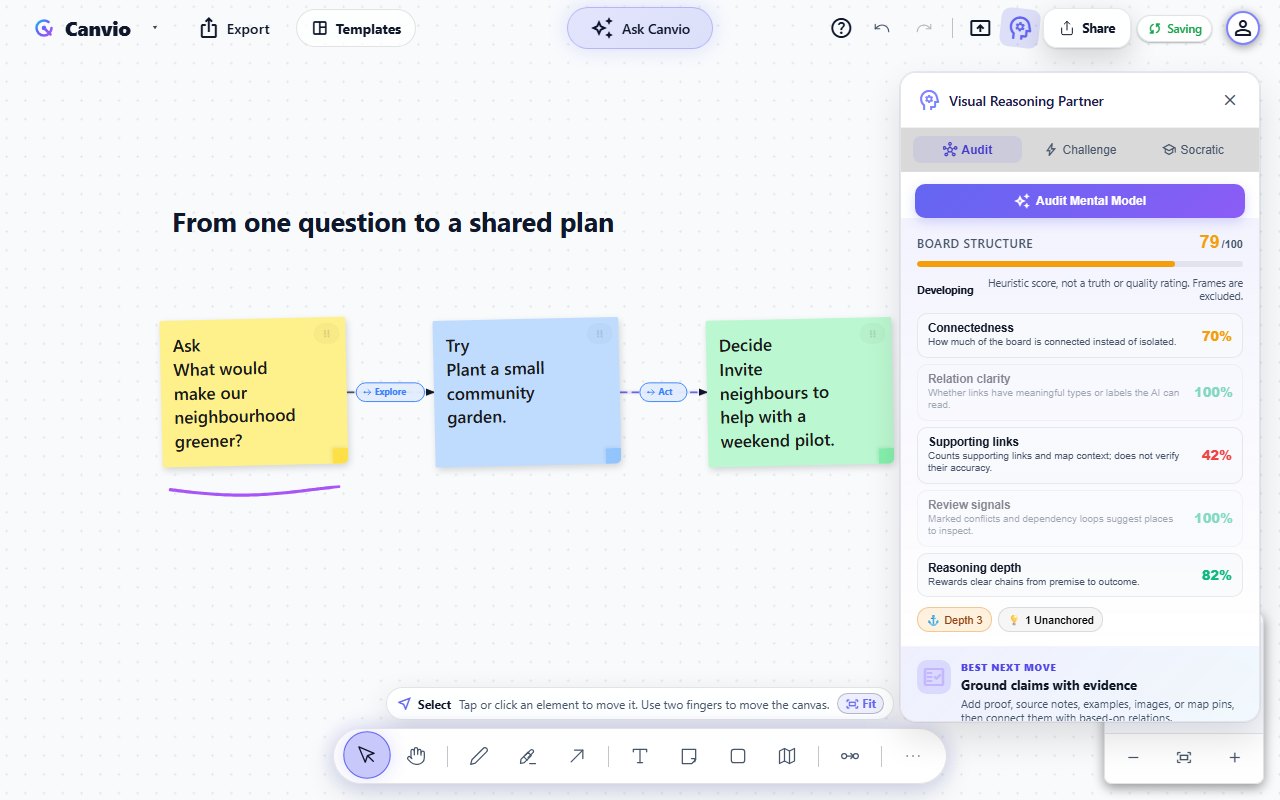
Connections in Canvio carry meaning. Define relationships like "based on", "depends on", "leads to", or "contradicts". The Visual Reasoning Partner reads that structure and suggests the clearest next improvement.
Give connections meaning, then open the Reasoning Partner to inspect the board's structure. The score does not verify facts.STEP 04
Deliver: Present, Collaborate, and Export
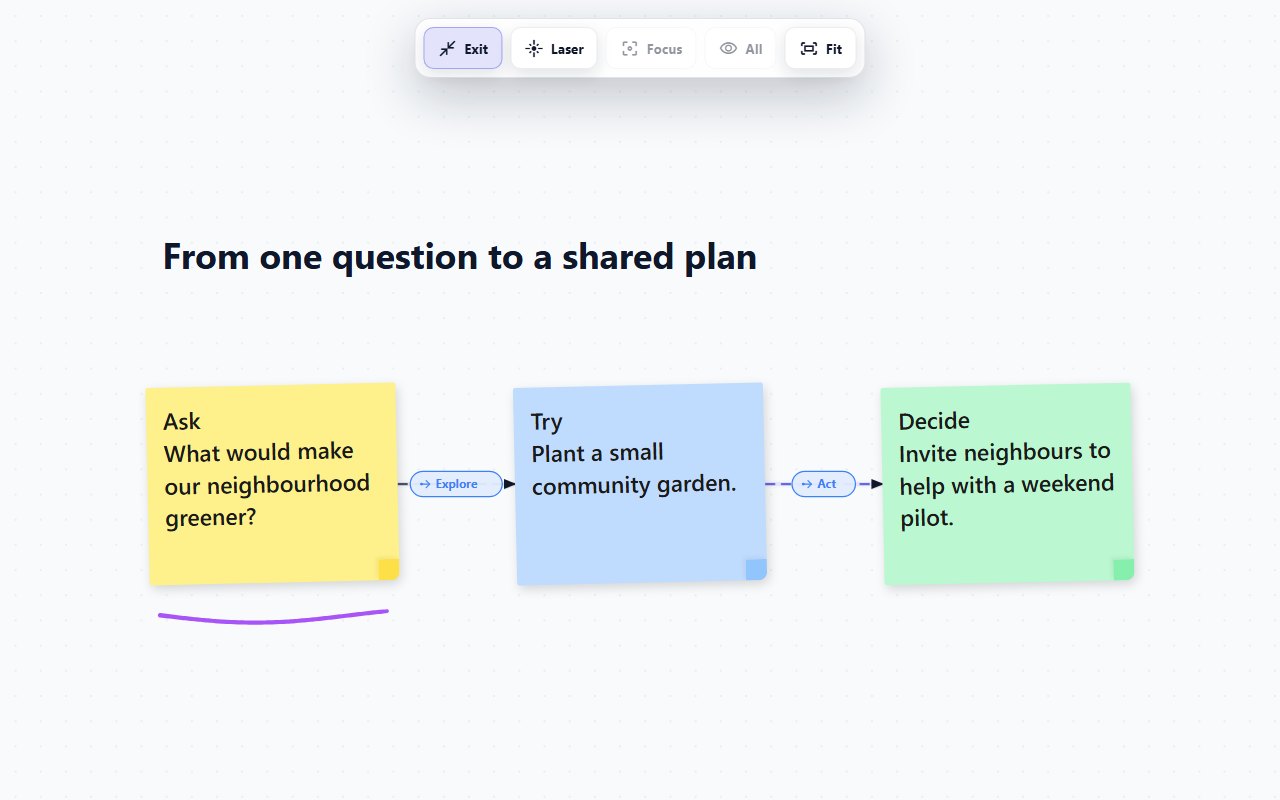
Share a board link for live collaboration, switch into Present mode, and guide attention with a temporary laser pointer. Export frame pages, PNGs, PDFs, or JSON backups when the work is ready to use elsewhere.
Present your question, experiment, and next step together. Presentation mode keeps editing controls out of the way.